


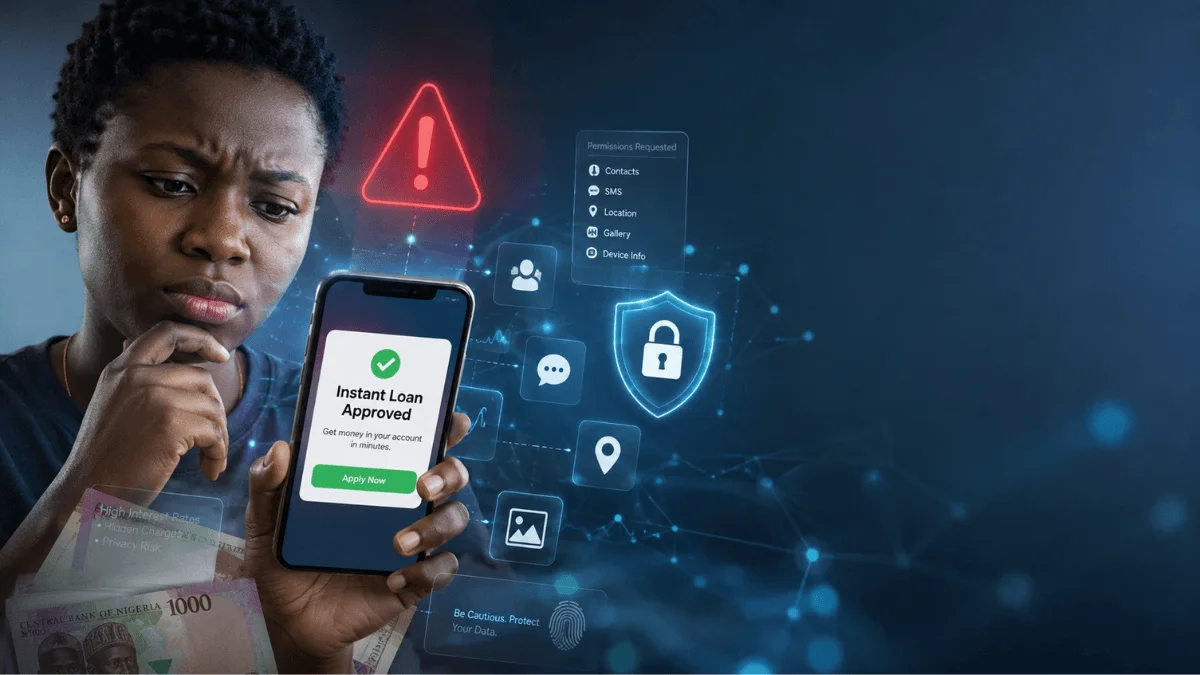
Loan apps have become a convenient source of emergency cash for Nigerians facing unexpected expenses, from medical bills to school fees and business needs. However, some borrowers face harassment when they miss repayment deadlines, with lenders allegedly sending threatening or defamatory messages to their relatives, friends and employers.
This raises an important question: how do some digital lenders obtain borrowers’ phone contacts even when users deny granting access to their address books?
Loan app privacy has become a growing concern as reports highlight questionable data collection and debt recovery practices. While phone permission settings offer some protection, they may not reveal every way a company could obtain personal information.
Some methods described in reports involve deceptive applications, exposed backup files and information gathered from other users. Other alleged techniques depend on access to connected online accounts.
Here are four potential ways unscrupulous lenders may obtain contact information and practical steps users can take to protect their privacy.
1. Loan Apps Distributed Through Unofficial APK Files
Some questionable lenders distribute Android applications outside official app stores.
They may promote downloads through social media advertisements, WhatsApp groups or unfamiliar websites. Users who need urgent loans might install these applications without checking their developers or security credentials.
Unlike applications distributed through established stores, unofficial APK files may not benefit from the same screening processes. Some may contain malicious code designed to collect information or abuse device permissions.
However, installing an APK does not automatically give an application unrestricted access to a phone’s contacts. Android still applies permission controls, although vulnerabilities, deceptive prompts or security exploits could create additional risks.
To protect yourself, download financial applications only from trusted sources. Check the developer’s identity, review the permissions requested and avoid installing applications that demand unnecessary access.
2. Accessing Files That Contain Contact Information
Your phone may contain contact information outside its main address book.
For example, users sometimes save contacts as .vcf files or export them into .csv spreadsheets. Messaging applications and backup tools may also create files containing personal information.
A malicious application that obtains sufficient file access could potentially search accessible storage for these documents.
Some questionable lending apps may request access to photos, videos or files while claiming they need the information to verify a borrower’s identity. Such requests deserve scrutiny if the permissions appear unrelated to the service.
Still, loan app privacy risks depend on the device, operating system, permissions granted and the application’s actual capabilities. Access to photos alone does not automatically provide access to every contact or private file.
To reduce exposure, review file permissions and revoke access that a financial application does not need. Avoid storing unnecessary contact exports in publicly accessible folders, and never upload sensitive documents to an unverified lending platform.
3. Building Contact Networks From Other Users’ Data
A lender may obtain information about your social connections without accessing your own address book directly.
Consider a situation where a friend, colleague or relative installs an application and grants it permission to read their contacts. If the application collects and uploads that information, your phone number could appear in its database even though you never used the service.
Companies that combine contact lists from multiple users could potentially match phone numbers and build networks connecting borrowers with their associates.
For example, a lender might already have your number because another person saved it on their phone. If you later register with the same company, its existing records could help identify a connection between you and that person.
This is a possible explanation for why some people receive loan-related messages despite using a new phone with no saved contacts.
However, the claim that lenders routinely combine thousands of stolen address books and use BVN or NIN records to reconstruct every borrower’s social network requires specific evidence. It should not be treated as an established practice across all loan applications.
To protect yourself, encourage friends and relatives to review contact permissions before installing financial apps. Avoid sharing identity documents with unverified lenders, and report suspicious messages or misuse of personal information.
4. Connected Accounts and In-App Browsers
Some applications ask users to connect external accounts or submit financial documents through an embedded browser.
Depending on how the process works, a poorly secured or malicious application could expose information entered into the page or misuse access granted to a connected service.
For example, if a user authorises a third-party service to access cloud-stored contacts, that service may be able to retrieve the information permitted by the authorisation.
However, simply opening a login page inside an application does not automatically give its developer access to cloud contacts, passwords or authentication tokens. Access generally depends on the permissions granted, security flaws or other specific technical weaknesses.
Users should be cautious when an unfamiliar lender asks them to log into email, cloud storage or other personal accounts through its own interface.
Use official login pages, examine the permissions requested during account linking and avoid granting access unrelated to the loan application. If you suspect an account has been compromised, review its connected applications and revoke unfamiliar access.
How to Protect Your Contacts From Loan Apps
Taking a few practical steps can reduce the risk of unauthorised data collection.
Review app permissions
Open your phone’s settings and find the app permissions or privacy manager. Check which financial applications can access your contacts, files, photos, microphone and other sensitive information.
Revoke permissions that are unnecessary for the service.
Remove suspicious applications
Uninstall financial applications from unknown developers or unofficial websites if you cannot verify their legitimacy.
On Android, review the setting that allows apps from unknown sources and disable it when you no longer need it.
Check contact backup files
Search your downloads and file manager for old contact exports, including .vcf and .csv files. Delete unnecessary copies, particularly those stored in folders accessible to other applications.
Keep essential backups in a secure location.
Secure your email and cloud accounts
Review connected applications and active sessions in your email and cloud accounts. Remove unfamiliar services and change your password if you suspect unauthorised access.
Enable two-factor authentication wherever possible.
Verify lenders before borrowing
Before accepting a digital loan, check the lender’s identity and regulatory status through the appropriate official channels, including the Federal Competition and Consumer Protection Commission (FCCPC) where applicable.
Read the privacy policy and repayment terms carefully. Be cautious of applications that demand excessive permissions or threaten to contact people in your address book.
What to Do if a Loan App Harasses Your Contacts
If a lender sends threatening, abusive or defamatory messages to your contacts, preserve evidence before taking further action.
-
Save screenshots of the messages and record the dates, phone numbers and names of the accounts involved.
-
Keep copies of your loan agreement, repayment records and communications with the lender.
-
Report suspected abusive lending practices to the FCCPC through its official complaint channels.
-
Report suspected unauthorised access to your personal information to the relevant data protection authorities.
-
If you suspect malware, uninstall the application, review account access and run a security check on your device.
Borrowers should understand their repayment obligations, but a debt does not give a lender unlimited rights to access or disclose personal information.
Protecting your privacy begins with checking permissions and verifying lenders before installing their applications. It also requires stronger enforcement against companies that misuse borrowers’ data.